
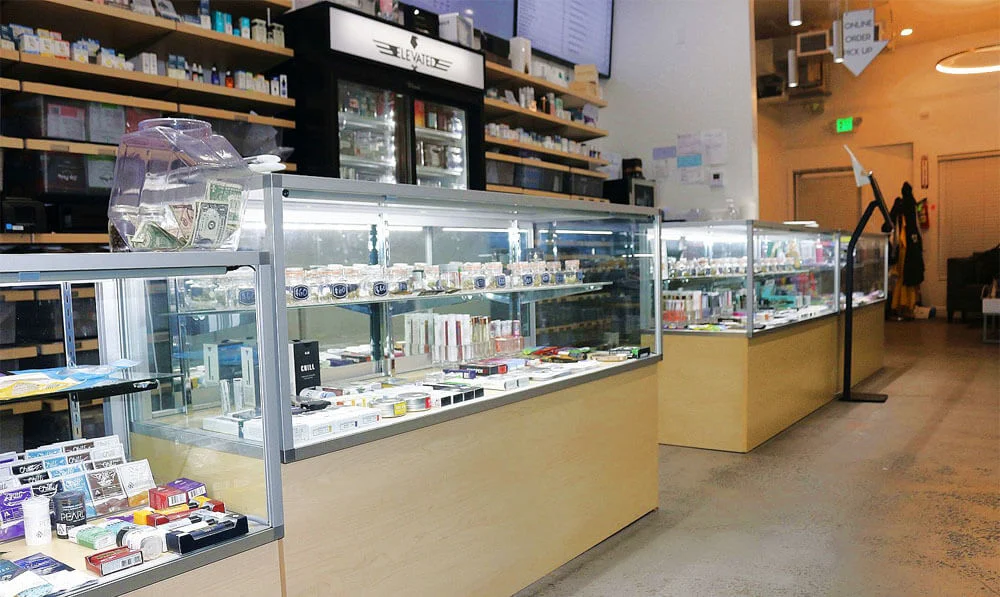
You can put your order together on our website before you come in, then collect it at the counter at 2442 Bayshore Blvd, San Francisco, CA 94134. Here is how it works.
1. Build your order
Open the menu and add what you want. Each listing shows the brand, size and price, and you can filter by category, brand and strain type. The menu comes from our ordering system, so it changes as products sell.
2. Choose Pickup at checkout
Checkout runs on Meadow, the ordering system Elevated SF uses. Pick Pickup, check the items in your order and send it to us.
3. Wait for your confirmation
We look over your order and apply any deal it qualifies for, so your final total may differ from the one you saw online. See today’s deal on the deals page.
4. Pick it up
Bring a valid government-issued photo ID showing you are 21 or older, and pay when you collect your order. Call us at (415) 825-5123 to check pickup times.
Need to change something?
Call us at (415) 825-5123 and we can update your order before you arrive.
Licensed California retailers can offer online ordering for in-store pickup; the Department of Cannabis Control explains the options.